
High Tech 960P vs EZVIZ H9c Dual 2K vs EZVIZ H6c Pro 2K
Choose up to 3 cameras and see their specifications side by side.
Specifications4 rows are the same
Compare with
✕ Remove
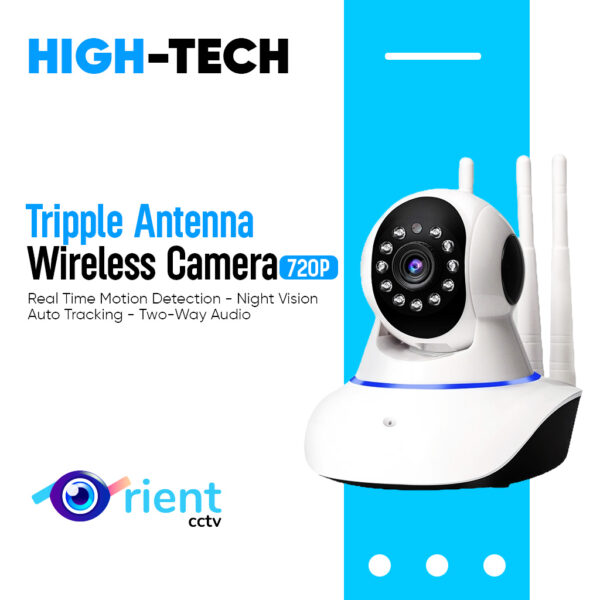 High Tech 960P
HIGH TECH Wireless WIFI CCTV IP 1MP Camera 720P view PTZ With Triple Antenna v380
Price range: ₨ 3,499 through ₨ 8,999
View & Buy
Compare with
✕ Remove
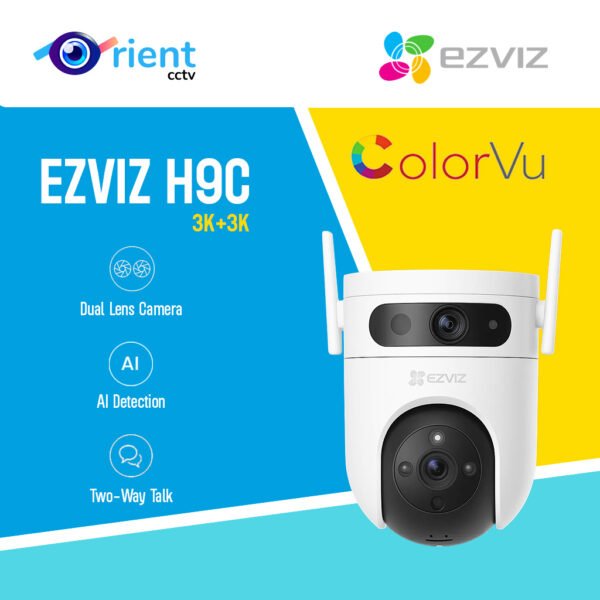 EZVIZ H9c Dual 2K
Ezviz Outdoor H9C Dual-Lens 2K+Pan & Tilt Wi-Fi two way audio ColorVU Camera 3MP+3MP
Price range: ₨ 18,800 through ₨ 26,000
View & Buy
Compare with
✕ Remove
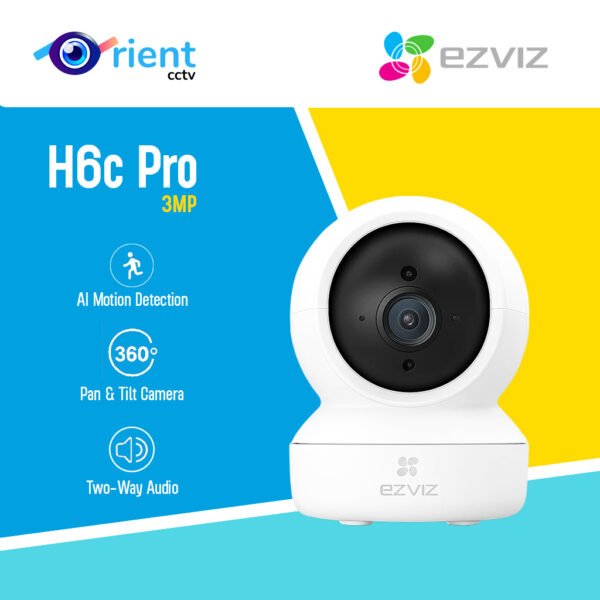 EZVIZ H6c Pro 2K
EZVIZ H6C Pro 3MP Pan & Tilt WiFi Smart Camera with Color Night Vision | Auto Tracking | Two-Way Talk
₨ 7,500
View & Buy
General
Brand
High Tech
EZVIZ
EZVIZ
Model
960P
H9c Dual 2K (CS-H9c-R100-8H33WKFL)
H6c Pro 2K (CS-H6c-R105-1L3WF)
Type
Indoor PT
Dual lens PT
Indoor PT
Camera
Megapixel
1MP
3MP+3MP
3MP
Resolution
1280x720
2304x1296
2304x1296
Image Sensor
1/4" CMOS
1/2.7" CMOS
1/2.7" CMOS
Lens
4.0mm F2.3
Fixed 2.8mm F1.6 + PT 6mm F1.6
4mm
Field of View
H 90 degrees
Fixed lens H 108, D 130 / PT lens H 55, D 62 degrees
H 82, D 98 degrees
Night Vision
Night Vision
IR
Smart dual light
Smart dual light
Night Vision Distance
–
30 m IR / 40 m color
10 m IR / 5 m color
Movement
Pan / Tilt
Yes
Pan 350, Tilt 80 degrees (PT lens)
Pan 340, Tilt 55 degrees
Zoom
–
–
8x digital
Audio & Alerts
Two-way Audio
Yes
Yes
Yes
Siren / Light
–
Siren + strobe light
–
Smart Detection
Motion
Motion, Human, Vehicle, Auto-tracking
Motion, Human, Abnormal sound, Auto-tracking
Storage
SD Card (max)
128GB
512GB
512GB
Cloud Storage
–
Yes
Yes
Connectivity
WiFi Band
2.4 GHz
2.4 GHz
2.4 GHz
LAN Port
–
Yes
Yes
4G SIM
No
No
No
Mobile App
V380
EZVIZ
EZVIZ
Power & Body
Power
DC 5V/1A (micro USB)
DC 12V/1.5A
DC 5V/1A (Type-C)
Weatherproof
Indoor only
Weatherproof
Indoor only
Price & Availability
Price
Price range: ₨ 3,499 through ₨ 8,999
Price range: ₨ 18,800 through ₨ 26,000
₨ 7,500
Availability
In stock
In stock
In stock
Specifications are taken from the manufacturers' data sheets. "–" means the value is not available yet.