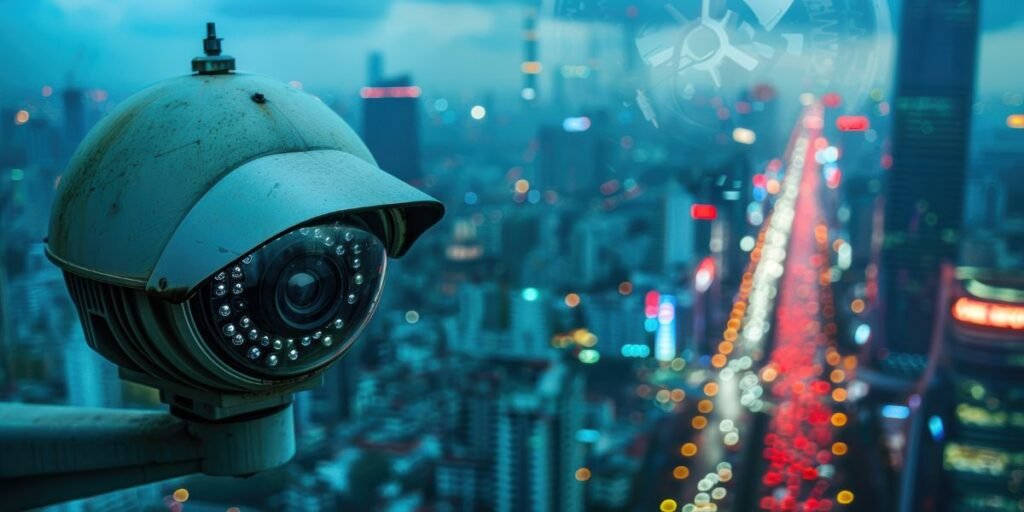
When it gets dark, your security cameras shouldn’t stop working. Night vision is what keeps your property monitored even in low light or total darkness. But just having night vision isn’t enough; you need to optimize night vision in the camera settings for clear, reliable footage. If you are securing your home, shop, or business, understanding how to set up and improve night vision quality can make all the difference.
In this guide, we’ll break down everything you need to know about night vision in security cameras.
What is Night Vision in Security Cameras?
Security cameras with night vision are designed to capture images in dim light or complete darkness. Instead of relying on visible light like daytime footage, these cameras use a combination of sensors and infrared (IR) technology to see and capture in the dark.
How Night Vision Works in CCTV
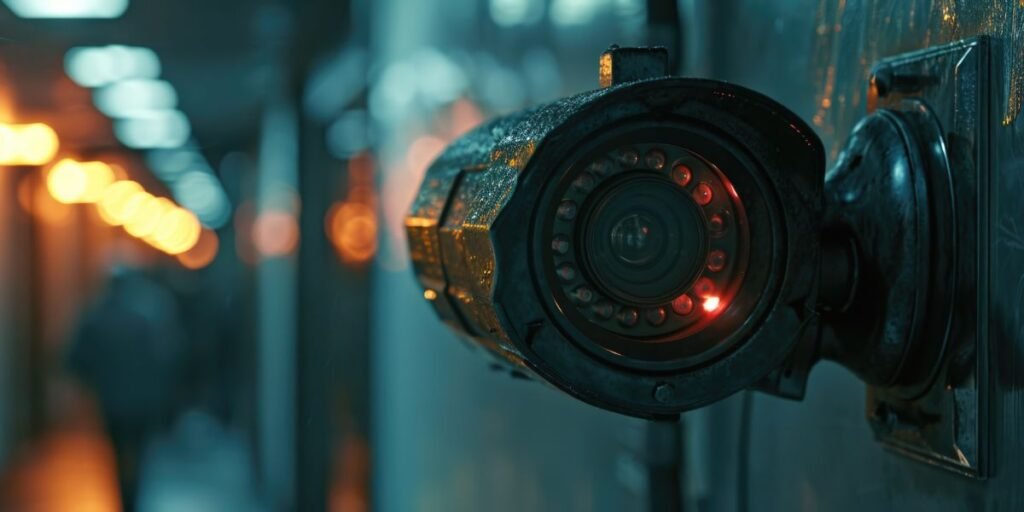
Most night vision cameras have built-in infrared LEDs around the lens. When light levels drop, the camera switches from normal color recording to black-and-white infrared mode. The infrared LEDs emit light invisible to the human eye, which reflects off objects and back into the camera sensor. This lets the camera film clear videos even at night. This is the basis of how night vision works in CCTV, enabling after-dark monitoring without additional lighting.
Night vision performance can vary widely depending on the camera model, lighting conditions, and environment. That’s where proper camera settings come into play.
Understanding Night Vision Camera Settings
To get excellent footage in low light, it’s not just about having night vision; it’s about properly configuring your camera settings. Below, we explain the key settings you should know.
1. IR Cut Filter / Day-Night Mode
During the daytime, an IR cut filter blocks infrared light so that your footage remains accurate in color. When night falls, the filter switches off to allow infrared light in. Most modern cameras do this automatically, but some let you force manual settings:
- Auto Mode: Switches between day and night automatically. Best for most users.
- Day Mode: Keeps the IR filter on. Useful if your area has strong exterior lighting.
- Night Mode: Keeps the IR filter off. Suitable for areas without light.
Choosing the right mode ensures your camera transitions smoothly between light and dark.
2. IR Sensitivity and Brightness
Some cameras let you adjust IR intensity or sensitivity:
- Higher IR Brightness: Can illuminate a larger area but may cause overexposure on close objects.
- Lower IR Brightness: Good for close-range coverage, but may not reach far.
The goal is to balance IR strength so distant areas are visible without washing out nearby details.
3. Exposure Time and Gain Control
Exposure settings control how much light hits the sensor:
- Longer Exposure: Brightens dark scenes but may cause motion blur.
- Higher Gain: Makes images brighter but increases noise/grain.
If your camera allows manual exposure or gain adjustments, experiment with small increments to avoid noisy night footage.
4. Noise Reduction Settings
Night footage often shows grain or noise, especially in low-light conditions. Many cameras have settings like Digital Noise Reduction (DNR) or 3D DNR.
- Lower Noise Settings: Better for static scenes.
- Higher Noise Reduction: Useful in complex scenes, but may smooth out important details.
Reducing noise can improve clarity, but keep an eye on the loss of detail.
Advanced Night Vision Features
Beyond basic settings, many modern cameras include advanced features that help improve night performance.
Motion-Activated Night Vision
Some smart or battery-powered cameras may activate IR illumination only when motion is detected. This saves power and reduces unnecessary footage while still ensuring you capture key events.
Smart IR / Adaptive IR
Smart IR automatically adjusts infrared intensity based on the distance to the object. For example, if someone comes very close to the camera, Smart IR reduces the strength to avoid overexposed faces. This helps maintain good detail at varying distances.
Tips for Improving Night Vision Quality
Optimizing night vision settings is one part; proper placement and environment are also critical. Here are practical tips if you have plans to improve night vision quality:
1. Eliminate Obstructions
Ensure nothing blocks the view of your camera’s IR LEDs. Plants, walls, or reflective surfaces can interfere with infrared reflection, leading to blurry or washed-out videos.
2. Provide Minimal Ambient Lighting
While night vision works without visible light, small amounts of ambient light (e.g., a porch light) can help the camera produce clearer footage, reducing noise and enhancing object visibility.
3. Adjust Camera Angle Correctly
If the camera is pointed too high or too low, IR light may not cover the intended area. Adjust the angle so the IR LEDs illuminate the critical zone evenly.
Choosing the Right Camera for Night Vision
Not all cameras perform equally in darkness. When selecting a camera, check features like:
- IR range (distance)
- Low-light sensitivity (measured in lux)
- Smart IR or Adaptive IR features
- Noise reduction technology
Considering these factors will ensure better night performance and clearer footage.
If you’re unsure where to start, connect with Orient CCTV, the best CCTV camera shop in Pakistan, and explore our options. We can help you pick the right camera and tune the night vision settings to your needs.
Common Night Vision Challenges and Fixes
Even with perfect settings, some issues may pop up. Let’s look at common problems and how to address them:
Washed-Out Footage at Night
If your footage looks too bright or unclear, try reducing the IR brightness or adjusting the exposure settings. Excessive light on nearby objects can cause glare.
Grainy Video
Grainy or noisy footage usually means the camera is working too hard to amplify light. Enabling noise reduction, adding a slight amount of ambient lighting, or repositioning the camera can help.
Motion Blur
This usually happens when the exposure time is too long. Shortening exposure time or enabling motion-triggered recording can improve clarity on moving objects.
Bottom Line
Night vision cameras are useful for keeping an eye on things 24/7, but they need to be set up correctly to work well. By following this infrared security camera guide, adjusting settings like IR brightness, exposure, and noise reduction, and placing your camera thoughtfully, you can achieve crisp, reliable footage even in total darkness. Regularly testing and adjusting your setup ensures your system continues to perform well over time. Looking for expert options and competitive prices on high-tech cameras in Pakistan? Check out Orient CCTV for reliable night-vision security cameras for your needs and budget.