
Hikvision DS-2CD1T83G2P-LIUF/SL vs IMOU Ranger 2 5MP vs Hikvision DS-2CD3T87G2P-LSU/SL
Choose up to 3 cameras and see their specifications side by side.
Specifications5 rows are the same
Compare with
✕ Remove
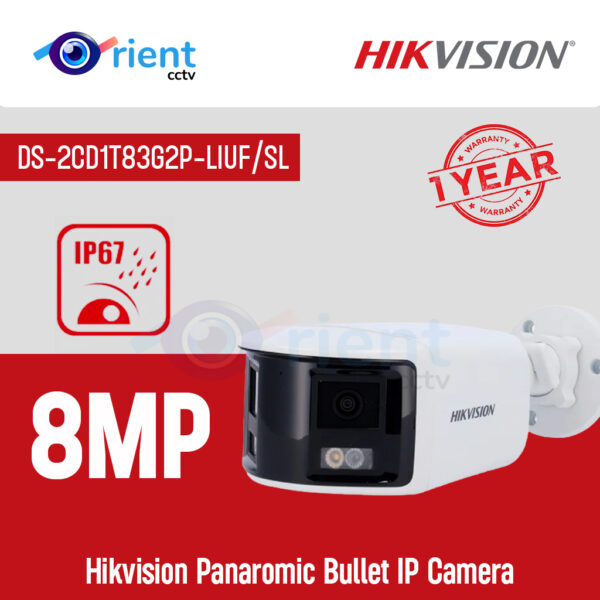 Hikvision DS-2CD1T83G2P-LIUF/SL
HIKVISION DS-2CD1T83G2P-LIUF/SL 8MP Panaromic Bullet IP Camera
₨ 44,900
View & Buy
Compare with
✕ Remove
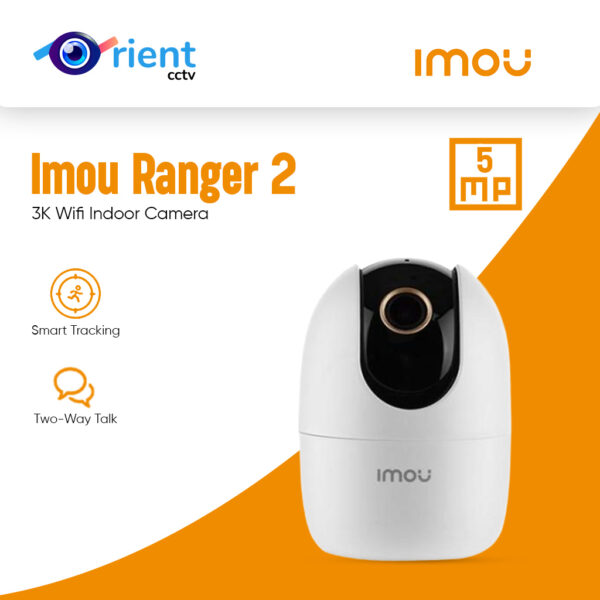 IMOU Ranger 2 5MP
Imou Ranger 2 5MP 3K Wifi Indoor Camera Built-in mic Siren 360 Degree Human Detection Camera
₨ 9,400 – ₨ 14,700
View & Buy
Compare with
✕ Remove
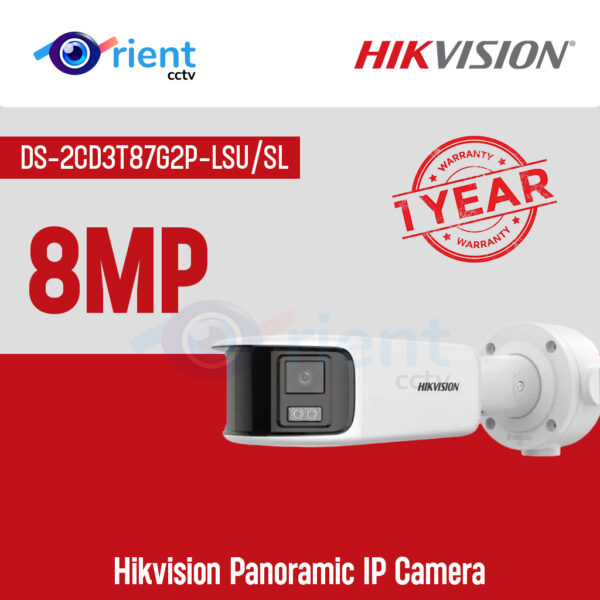 Hikvision DS-2CD3T87G2P-LSU/SL
Hikvision DS-2CD3T87G2P-LSU/SL 8MP Panoramic IP Camera
₨ 259,000
View & Buy
General
Brand
Hikvision
IMOU
Hikvision
Model
DS-2CD1T83G2P-LIUF/SL
Ranger 2 5MP
DS-2CD3T87G2P-LSU/SL
Type
PoE panoramic bullet (dual lens)
Indoor PT
PoE panoramic bullet (dual lens)
Camera
Megapixel
8MP (panoramic, two lenses stitched)
5MP
8MP (panoramic, two sensors stitched)
Resolution
4256x1888
2688x1664
5120x1440
Image Sensor
1/2.4" CMOS
1/3" CMOS
2 x 1/1.8" CMOS
Lens
2mm (dual lens)
3.6mm
4mm (dual lens)
Field of View
H 180, V 77 degrees
H 87, V 48, D 108 degrees
H 180, V 44 degrees
Night Vision
Night Vision
Smart dual light
IR
Full-color
Night Vision Distance
30 m
10 m
40 m
Movement
Pan / Tilt
No
Pan 355, Tilt -5 to 80 degrees
No
Zoom
–
8x digital
–
Audio & Alerts
Two-way Audio
Yes
Yes
Yes
Siren / Light
White strobe light + audio alarm
Siren
Strobe light + audio alarm
Smart Detection
Motion, Human, Vehicle
Motion, Human, Auto-tracking, Abnormal sound
Motion, Human, Vehicle, Line crossing, Intrusion
Storage
SD Card (max)
512GB
512GB
512GB
Cloud Storage
–
Yes
–
Connectivity
WiFi Band
No (wired)
WiFi 6 (2.4 GHz)
No (wired)
LAN Port
Yes (PoE)
Yes
Yes (PoE)
4G SIM
No
No
No
Mobile App
Hik-Connect
IMOU Life
Hik-Connect
ONVIF
Yes
Yes
Yes
Power & Body
Power
PoE (802.3af) or DC 12V
DC 5V/1A adapter
PoE (802.3af) or DC 12V
Weatherproof
IP67
Indoor only
IP67
Price & Availability
Price
₨ 44,900
₨ 9,400 – ₨ 14,700
₨ 259,000
Availability
In stock
In stock
In stock
Specifications are taken from the manufacturers' data sheets. "–" means the value is not available yet.